
How to Replace Sub-Zero Undercounter Ice Maker Filter 7012333
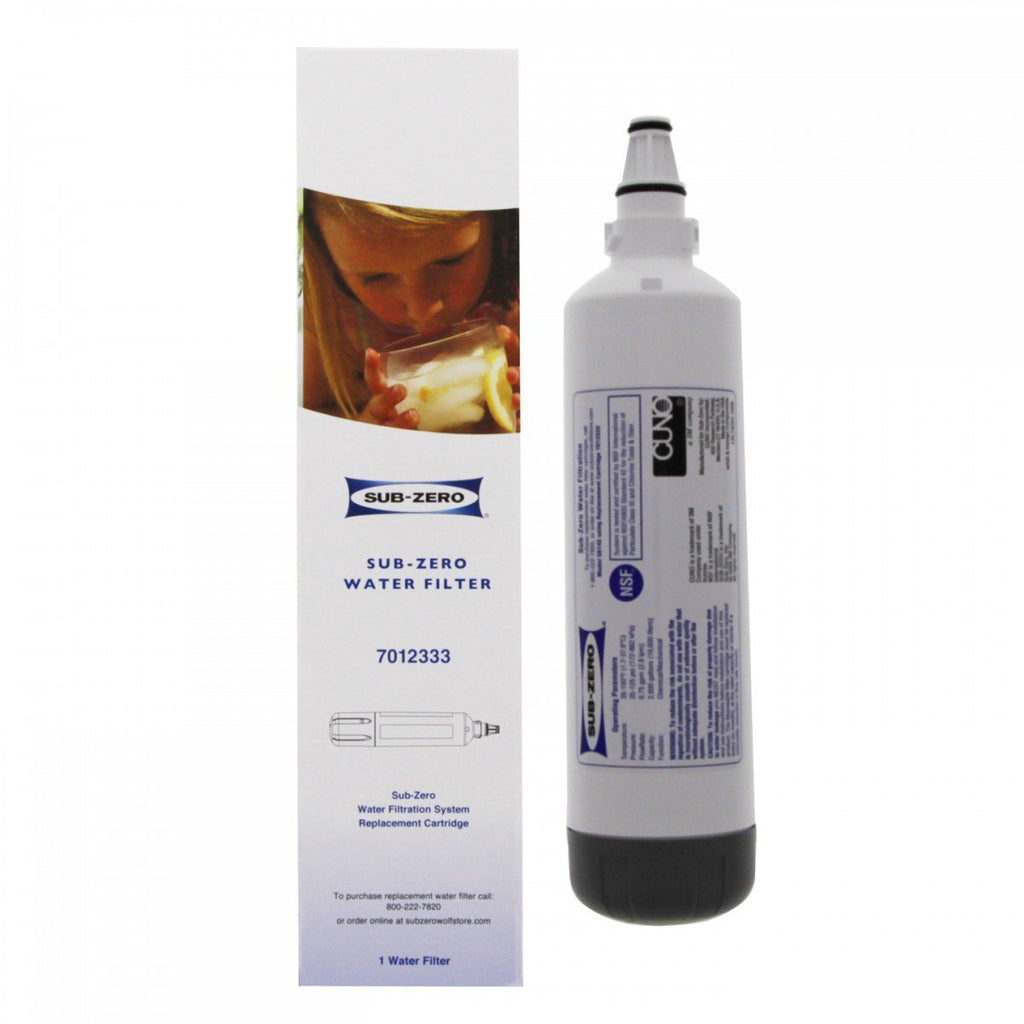
How to Replace Your Sub-Zero UC-15 Ice Maker Water Filter (7012333 / 7042803)
Replacing the water filter in your Sub-Zero UC-15 undercounter ice maker takes about a minute. Follow the steps below.
- Turn power to the unit off to replace the water filter.
- Open the ice maker door and find the filter on the bottom-left side.
- Turn the cartridge one-quarter turn counterclockwise until it pops out.
- Reverse the process to install the new water filter.
- Once the filter is replaced, press the CLEAN key pad for 6 seconds to reset the counter and light.
- Repeat the reset if the counter and light do not reset the first time.
Purchase the Sub-Zero 7042803 ice maker water filter — the current part number, formerly 7012333.
Not sure which filter your Sub-Zero needs? Use our 30-second filter finder.
- Brian Bugler


Comments 1
JOHN CALHOUN
THANK YOU SO MUCH FOR THIS LINK,IT WAS SO HELPFUL! THANK YOU AGAIN.